Invite Team Members
Last updated
Note: Team members are users who authenticate and connect data source accounts to Power My Analytics. They also configure data destination integrations and have access to tools for backfilling data, managing billing, and all other account functions.
To invite team members, begin at hub.powermyanalytics.com
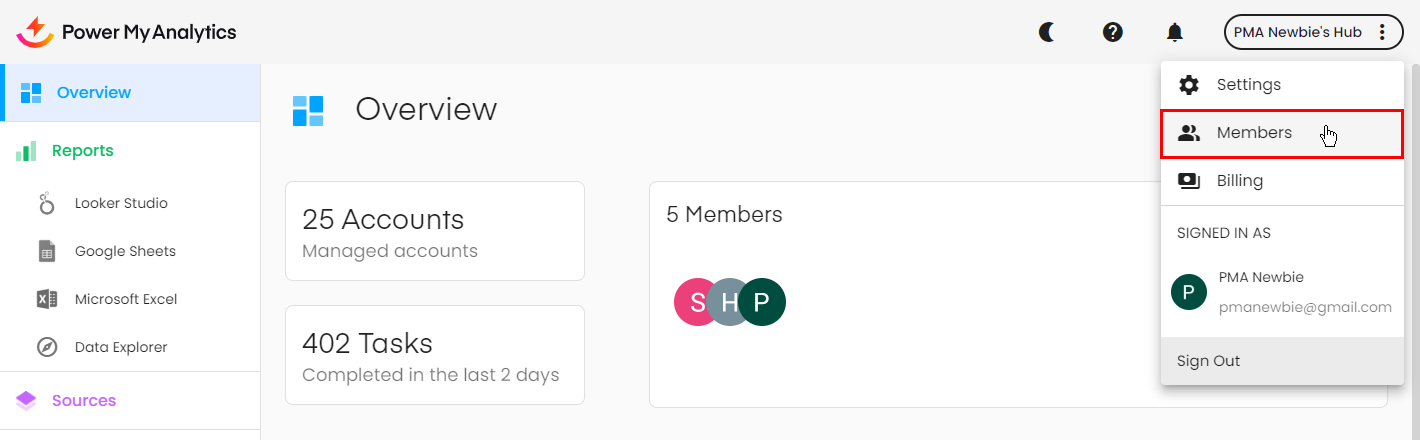
1. Click on your hub's name at the top right corner and select Members.
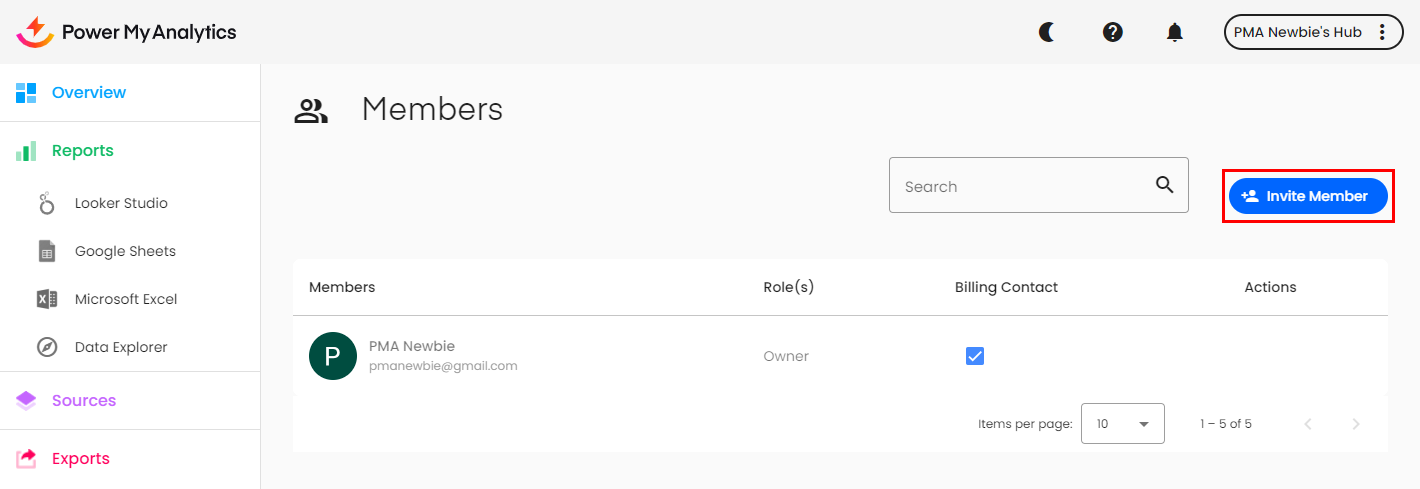
2. Click Invite Member. Enter their email address.
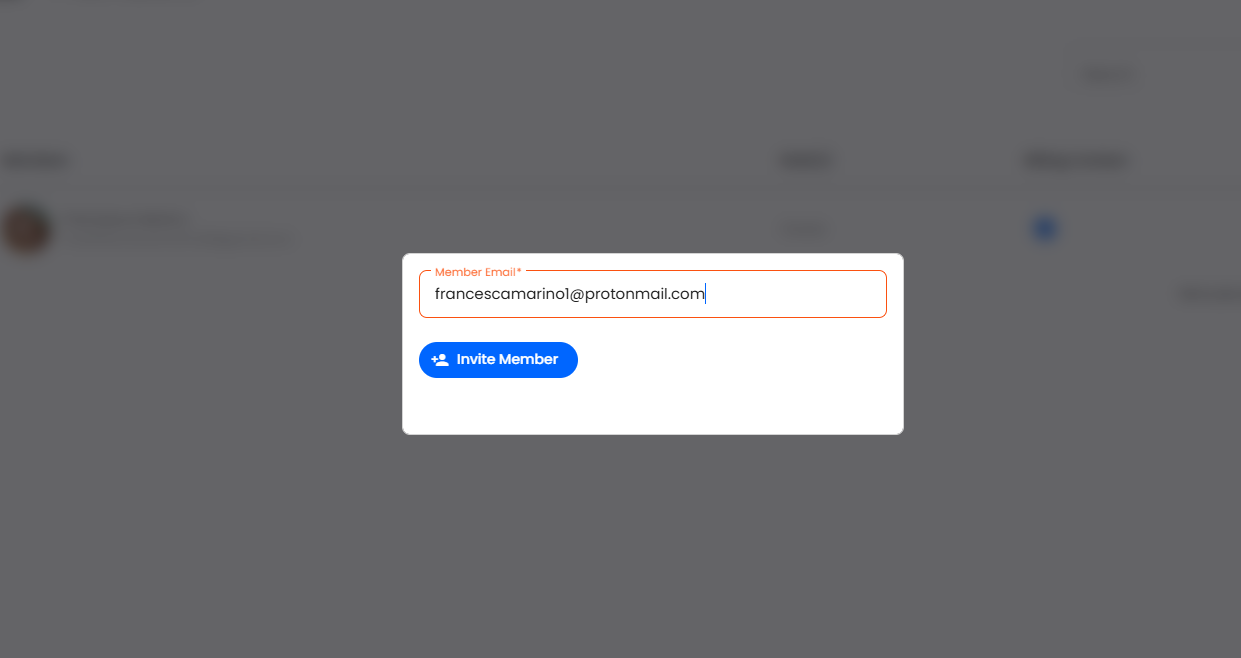
3. Click the Invite Member button. The new team member will receive an email with a link to accept the invitation.