
Microsoft Ads Error: Your IT Department Must Enable Access
Last updated
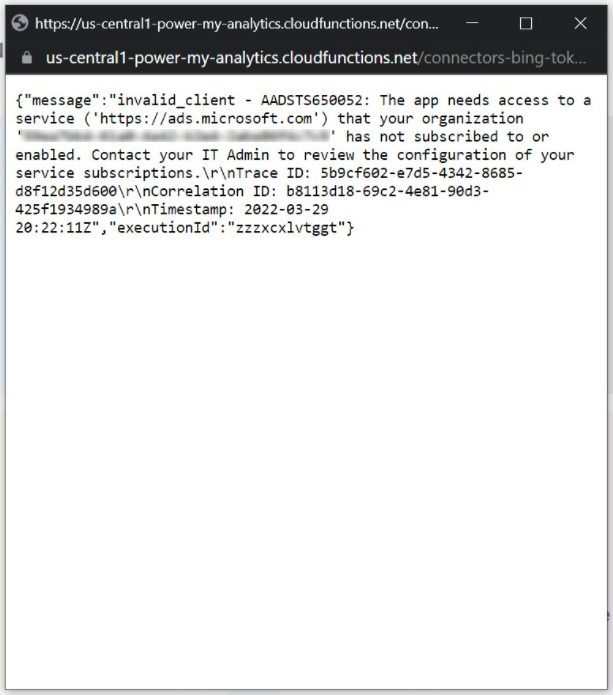
This article will help with the following error:
Microsoft Ads Error: Your IT department must enable access
Cause
Microsoft Ads requires app-only permissions. Only a tenant administrator can grant access to https://ads.microsoft.com. Without these permissions, Microsoft returns error AADSTS650052.
Solution
Verify
Grant Microsoft Ads access to an email address that does not use your work domain and attempt to connect. If the connection is successful, you can conclude that your company's tenant administrator has not yet granted app-only permissions for Microsoft Ads.
Contact your IT department
Ask the administrator in your IT department to whitelist the following URL in order to proceed with your reporting: https://ads.microsoft.com.
PMA is unable to further assist with this issue as each company uses unique services to protect its own security.