Activate an Expired Trial
Last updated
Note: Follow these instructions to activate your expired Power My Analytics trial.
Begin at hub.powermyanalytics.com
Log in as the hub owner for the subscription that you wish to reactivate. Only the hub owner can manage the subscription.
If you see a popup, click the Pay Now link to proceed
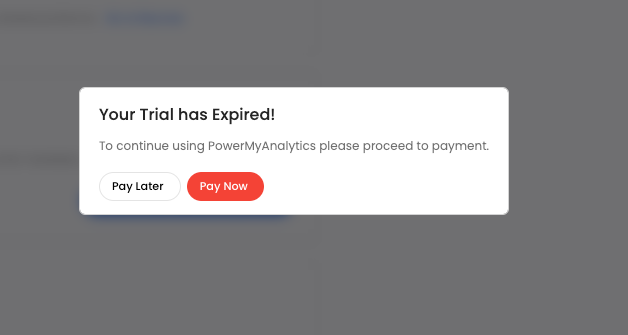
If you do not get a popup
- Make sure you logged into Power My Analytics using the same Google account you used to create the trial.
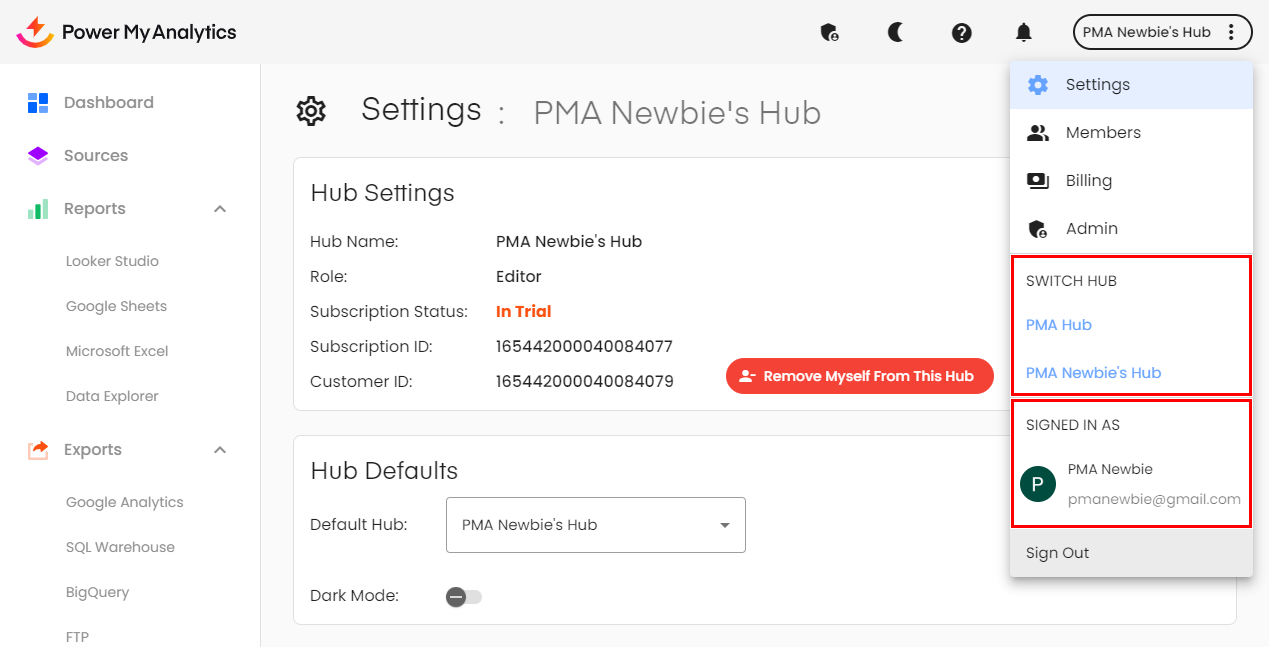
- If you are a member of more than one Power My Analytics hub, check to make sure that you are logged into the correct one. You can check this by clicking on the hub name in the top right corner. One subscription may have payment due while another may not.