
Blank Screen or Unable to See Hub
Last updated
Note: Are you experiencing difficulties accessing the Power My Analytics hub? If you're encountering a blank screen or unable to see the hub after logging in, this guide will walk you through the common causes and provide step-by-step solutions to get you back on track.
Issue
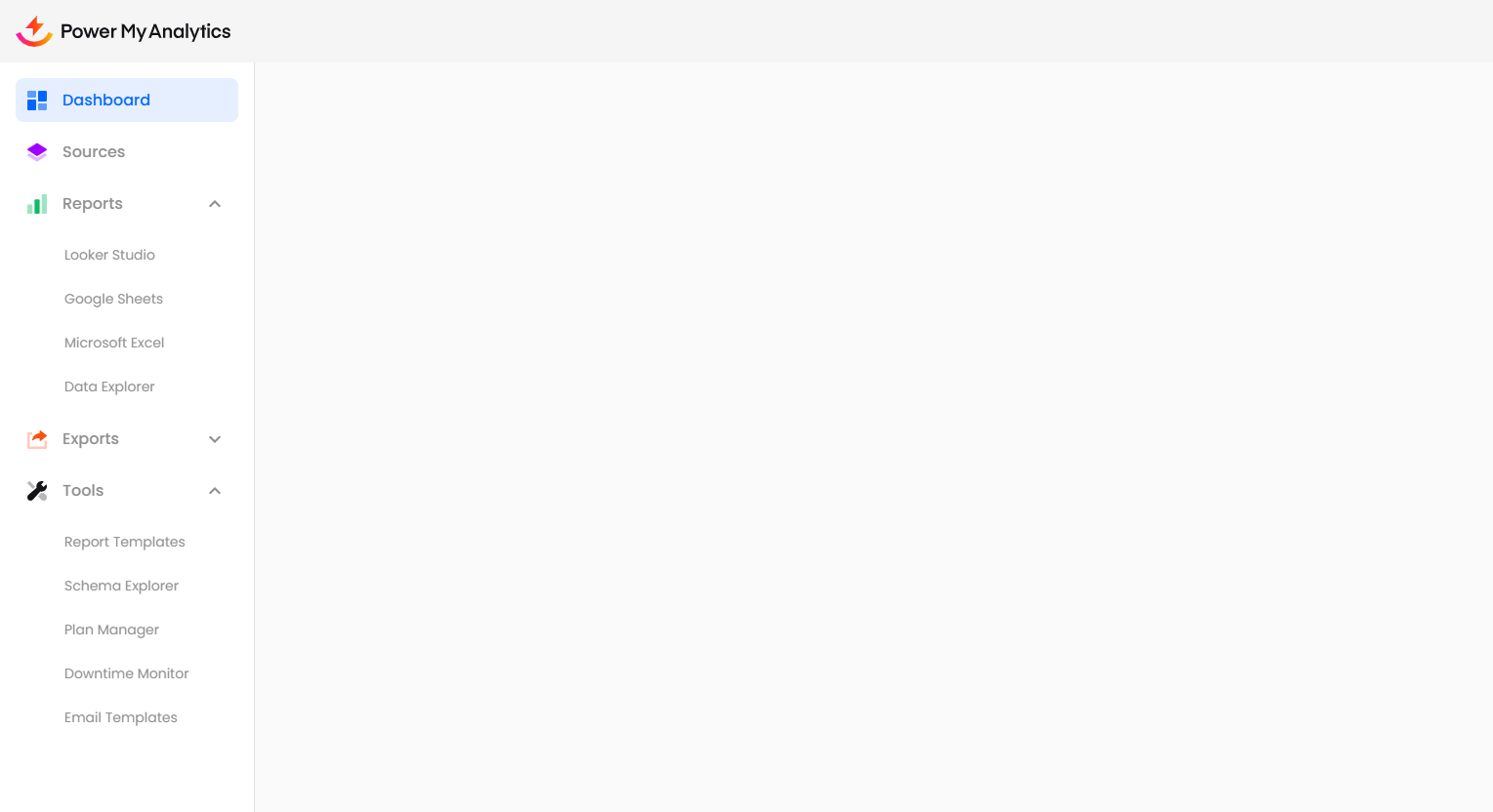
The Power My Analytics Hub fails to load or displays only a blank screen after logging in.
- Area Affected: Power My Analytics Hub
Possible Causes
- Your browser may have cookies blocked
- Your company firewall may be blocking Power My Analytics
Solutions
1. Enable Cookies
Cookies are essential for the proper functioning of the PMA hub. Follow these steps to enable cookies in your browser:
Open your browser settings
Navigate to the Privacy and Security section
Locate the cookie settings
Select Allow all cookies
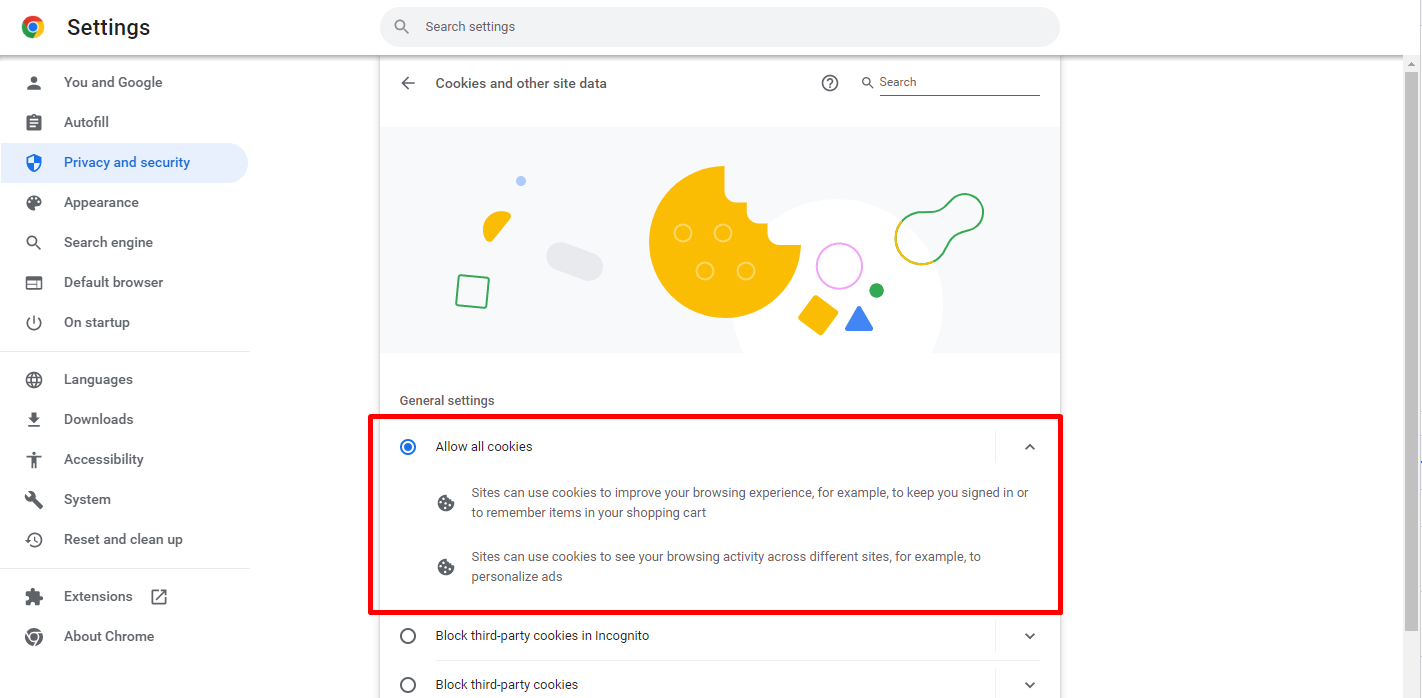
Save changes and refresh the PMA hub page
2. Try an Alternative Connection
If enabling cookies doesn't resolve the issue, the problem may lie with your network connection. Try to access the PMA hub through:
- A personal computer (outside your work network)
- A VPN connection
- Your mobile phone's data connection
If you can access the hub using one of these methods, it's possible that your company's firewall is blocking access to Power My Analytics.
3. Contact Your IT Department
If you suspect that your company's firewall is causing the issue, contact your company's IT department to request permission to access Power My Analytics.