
Google Sheets Error: "Error: Sheet does not exist:"
Last updated
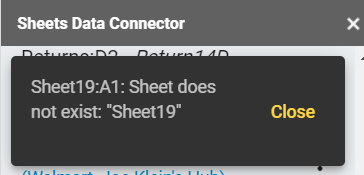
This article will assist you with the following error:
"Error: Sheet does not exist:"
Cause
You have renamed a sheet after creating a report. You will need to update the PMA Configuration page and refresh the report list.
Solution
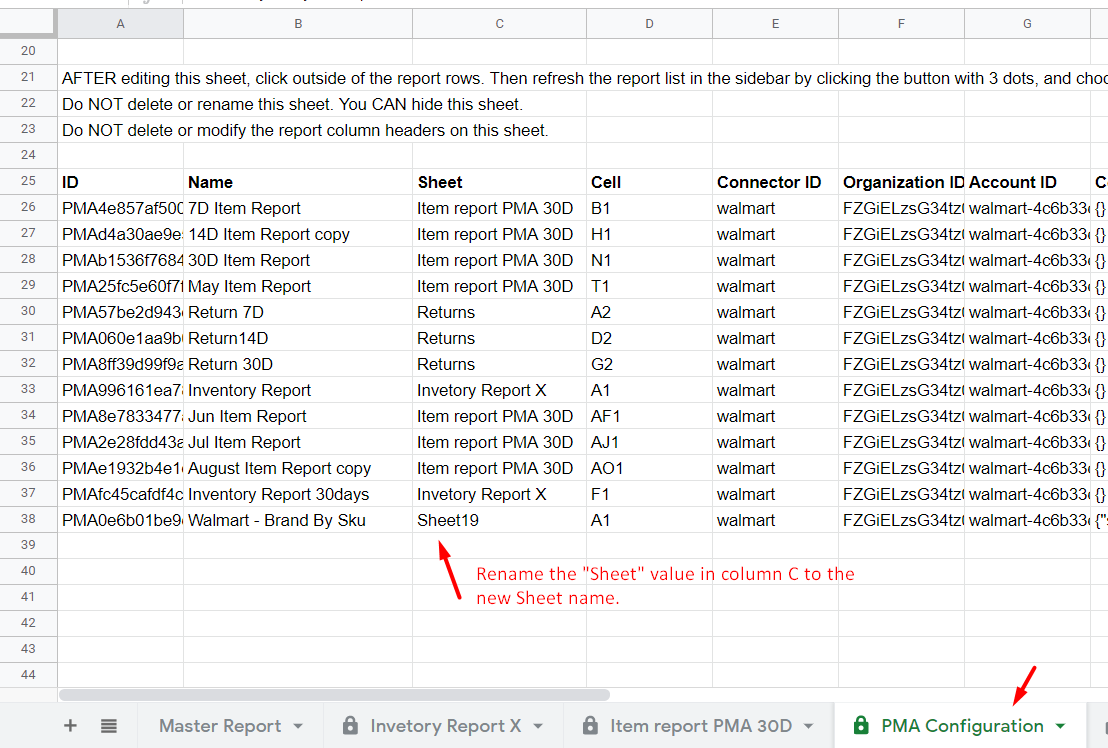
Go to the PMA Configuration page and rename the Sheet value in column C to the new Sheet name.
In the sidebar, click Update report list (the circular arrows beside the Reports heading).