
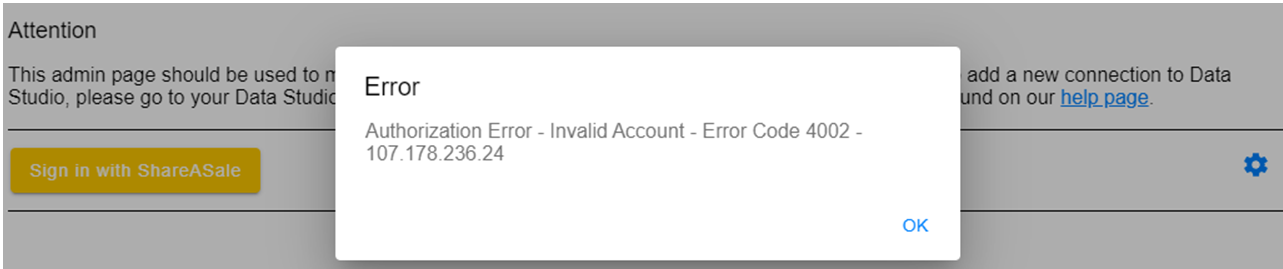
ShareASale Authorization Error - Invalid Account - Error Code 4002 -
Last updated
This article will assist you with the following error:
**"**Authorization Error - Invalid Account - Error Code 4002 -"
Solution
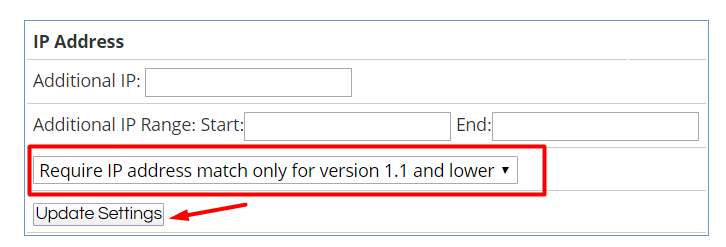
Modify the API settings in your ShareASale account. Log into ShareASale, then go to Tools > Merchant API.

Select "Require IP address match only for version 1.1 and lower" and click Update Settings.
Then connect to Data Studio again.