Community Connector Error: Invalid Combination with a Collection
Last updated
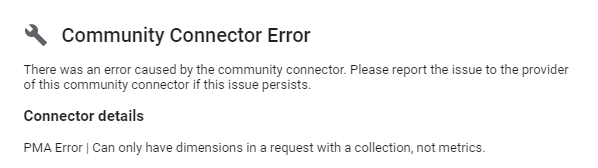
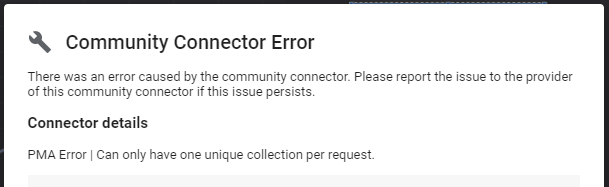
This article will help to resolve the following community connector errors.

Cause
This error occurs when two incompatible fields are placed in the same table together. In this example, Total People Who Viewed By Country could not be combined with Total People Who Viewed By Age and Gender.
Solution
If you are using key/value pairs and making an age/gender chart, please see the instructions in How to Create Working Age and Gender Charts.
If you are not using key/value pairs, keep each chart to one collection:
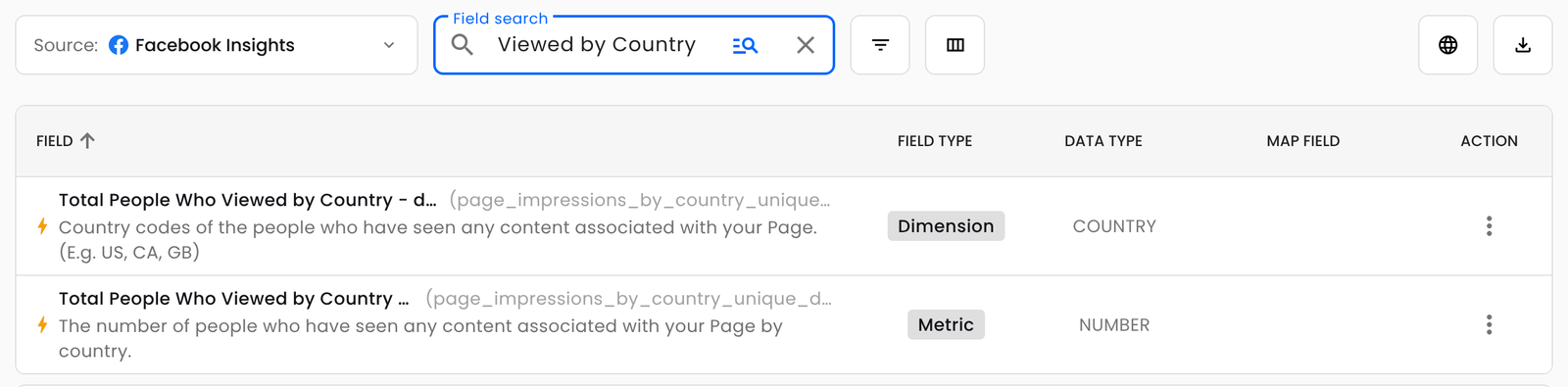
- Collection fields come in pairs with the same name: one ending in - dimensions and one ending in - metrics (for example, Total People Who Viewed by Country - dimensions and Total People Who Viewed by Country - metrics). Use only one pair per chart.
- Any other field you add to that chart must be a dimension, not a metric.
To find a matching pair, go to the Schema Explorer, select your connector, and type the field's name in Field search.