Update Billing Information in Your Invoices
Last updated
To update your invoices, please follow these steps:
1. Go to your Hub:
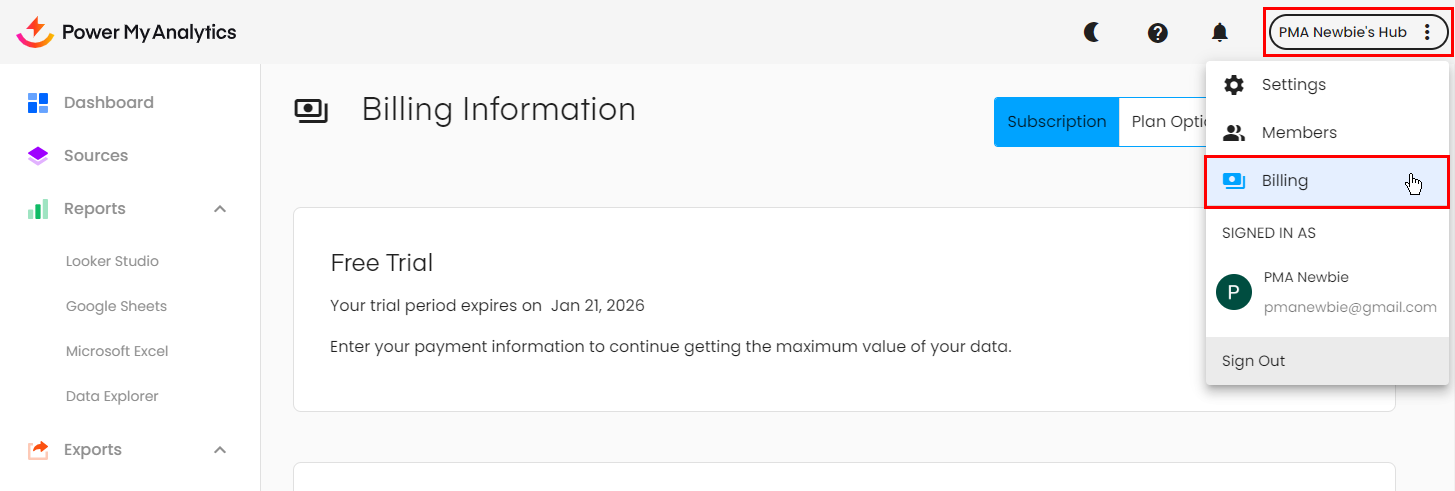
2. Click your Hub's name at the top right corner then select Billing from the drop-down menu that appears:
3. Update your billing address, card number, and payment method.
4. Click Invoices on the menu bar to view your updated invoices.