Add or Remove Admins
Last updated
Note: If you are using the Business plan, you will pay extra for surplus admins. Save money by adding only the admins you need to your Hub and removing admins that no longer require access.
How to Invite Admins
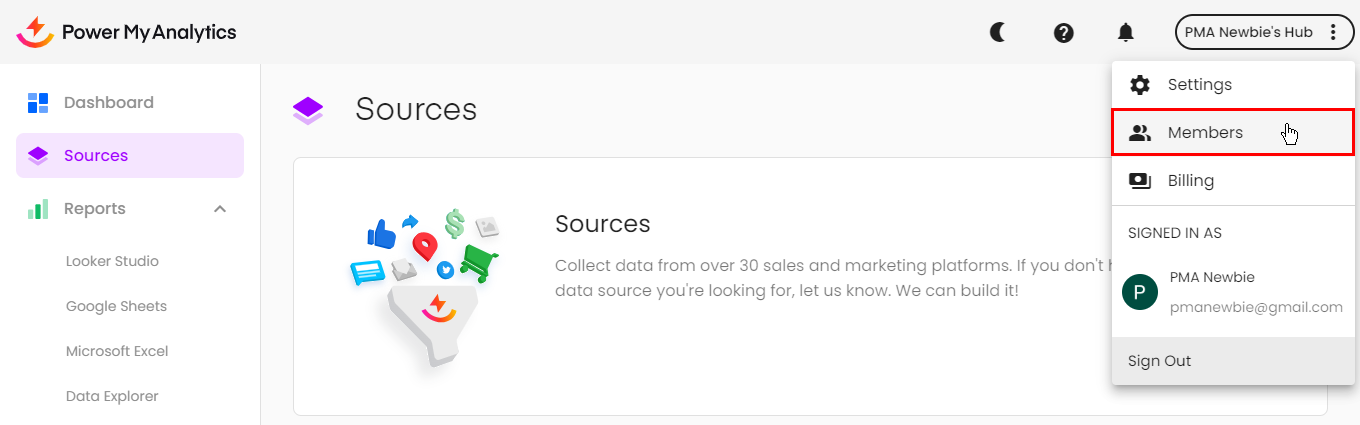
Go to your Hub. Click on your Hub's name at the top right corner and select Members from the list that appears.
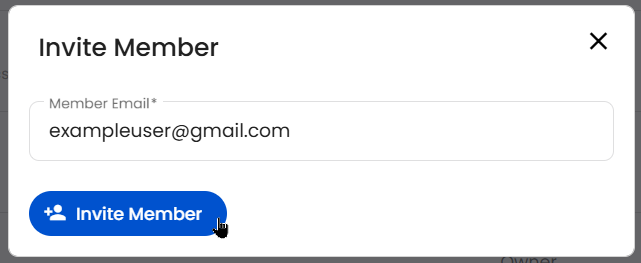
Click Invite Member, then enter their email address and click Invite Member again.
The new admin will receive an email with a link to accept the invitation. When they click the link, they will be guided to your hub.
How to Remove Admins
Go to your Hub. Click on your Hub's name at the top right corner and select Members from the list that appears.
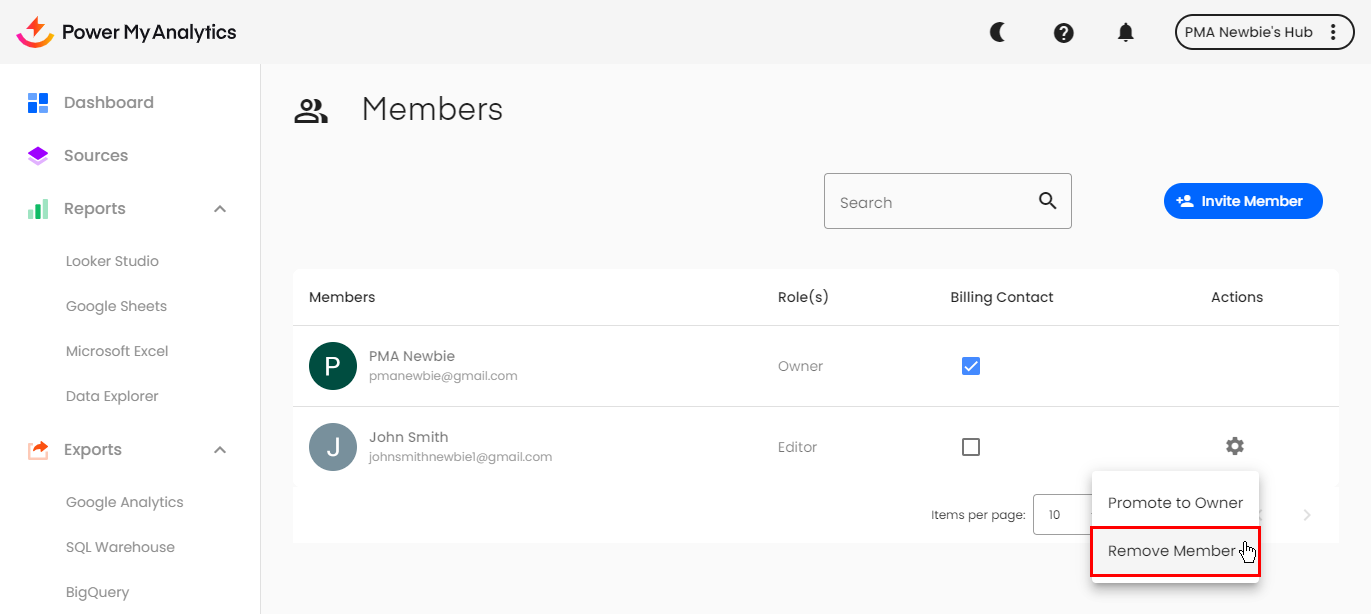
Click on the blue gear icon and then select Remove Member. Click Confirm when you receive a pop-up.